Eviden Logo

Eviden > Products > SafeKit: All-in-One SANless High Availability & Application Clustering Software > SafeKit: All-in-One Linux Load Balancing & High Availability Software > Linux Network Load Balancing & Failover: Install the SafeKit farm.safe Module

Linux Network Load Balancing & Failover: Install the SafeKit farm.safe Module

Step-by-Step Guide: Building a Software-Only Load Balanced Cluster with farm.safe

SafeKit High Availability Limitations

Why a replication of a few Tera-bytes?

Resynchronization time after a failure (step 3)

  • 1 Gb/s network ≈ 3 Hours for 1 Tera-bytes.
  • 10 Gb/s network ≈ 1 Hour for 1 Tera-bytes or less depending on disk write performances.

Alternative

Why a replication < 1,000,000 files?

  • Resynchronization time performance after a failure (step 3).
  • Time to check each file between both nodes.

Alternative

  • Put the many files to replicate in a virtual hard disk / virtual machine.
  • Only the files representing the virtual hard disk / virtual machine will be replicated and resynchronized in this case.

Why a failover ≤ 32 replicated VMs?

  • Each VM runs in an independent mirror module.
  • Maximum of 32 mirror modules running on the same cluster.

Alternative

  • Use an external shared storage and another VM clustering solution.
  • More expensive, more complex.

Why a LAN/VLAN network between remote sites?

Alternative

  • Use a load balancer for the virtual IP address if the 2 nodes are in 2 subnets (supported by SafeKit, especially in the cloud).
  • Use backup solutions with asynchronous replication for high latency network.

High Availability Quick Installation Guide for Linux

This guide explains how to set up a farm cluster for Linux using SafeKit, ensuring network load balancing and automatic failover.

You can use the SafeKit AI 🤖 for assistance at any time.

1. Overview

  • Architecture: Implements a scalable, multi-node load-balanced farm with a virtual IP address.
  • High Availability: Features automatic health monitoring and seamless failover to ensure service continuity.

2. Installation

  • Software: Install the SafeKit engine on all servers.
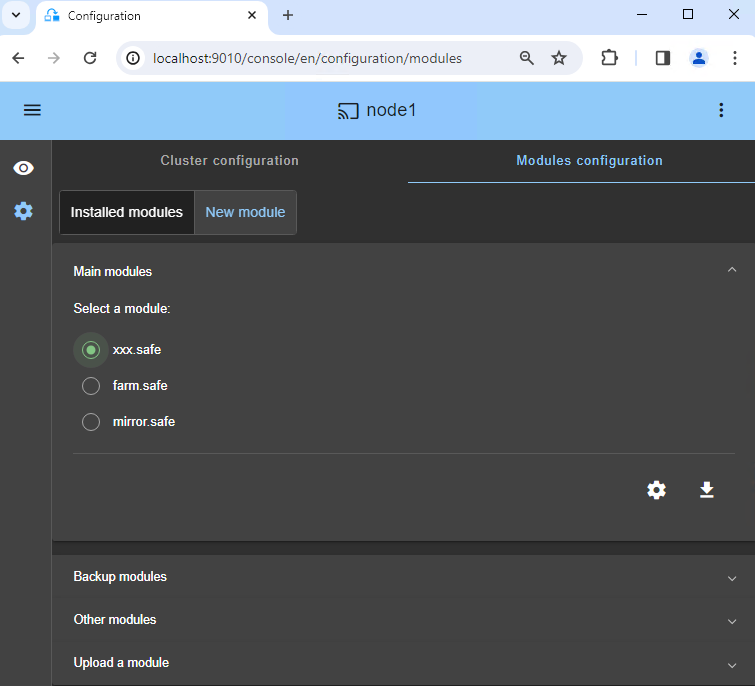
  • Module: Download the pre-configured farm.safe application module.

3. Configuration

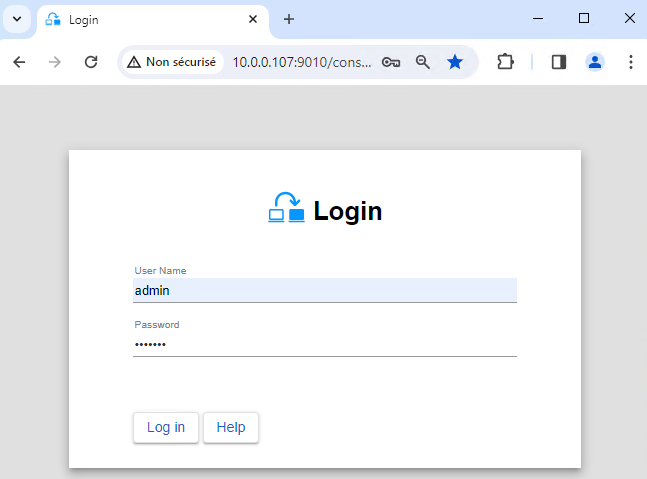
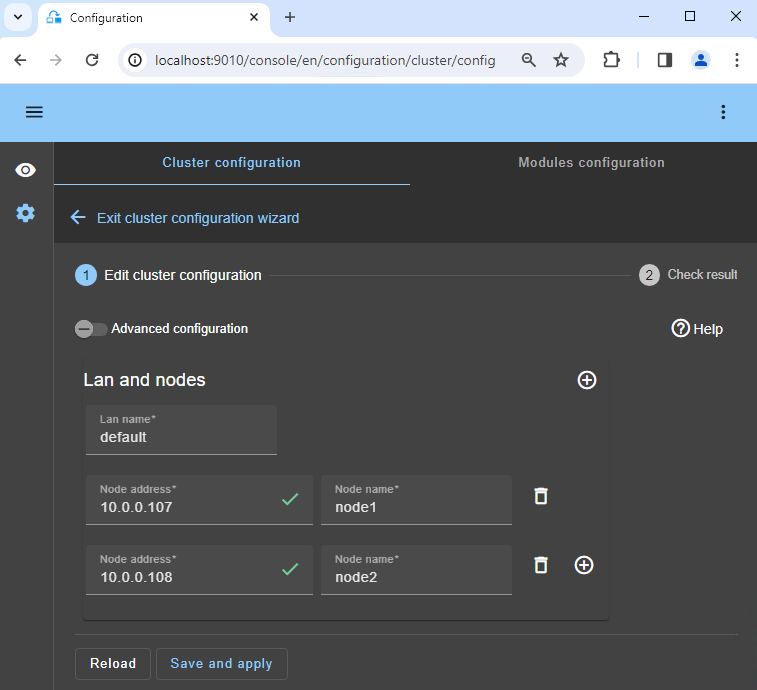
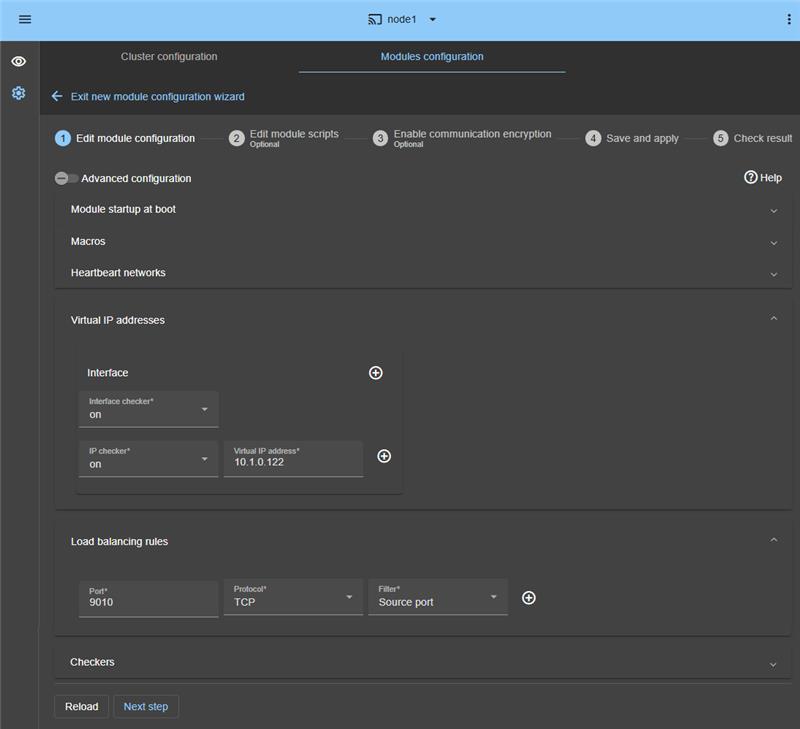
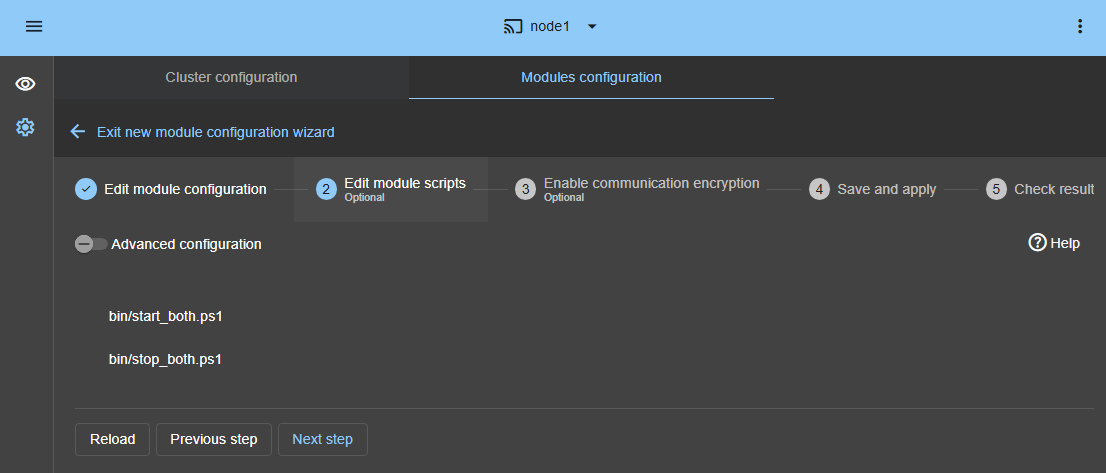
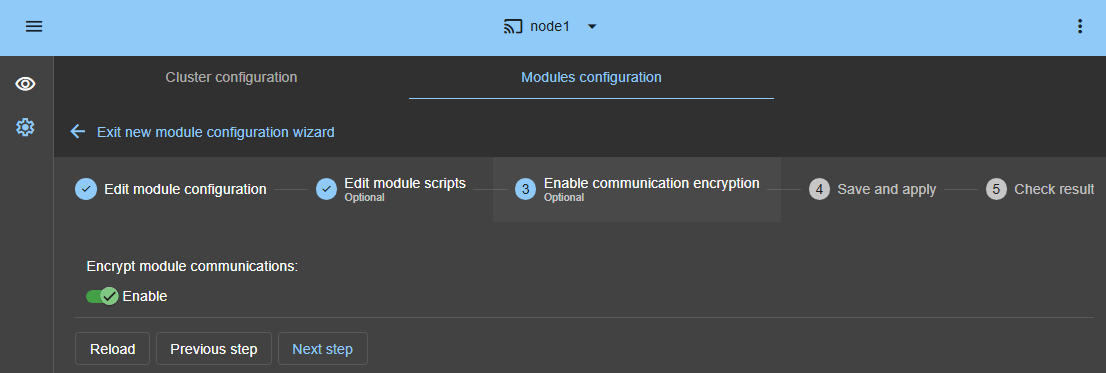
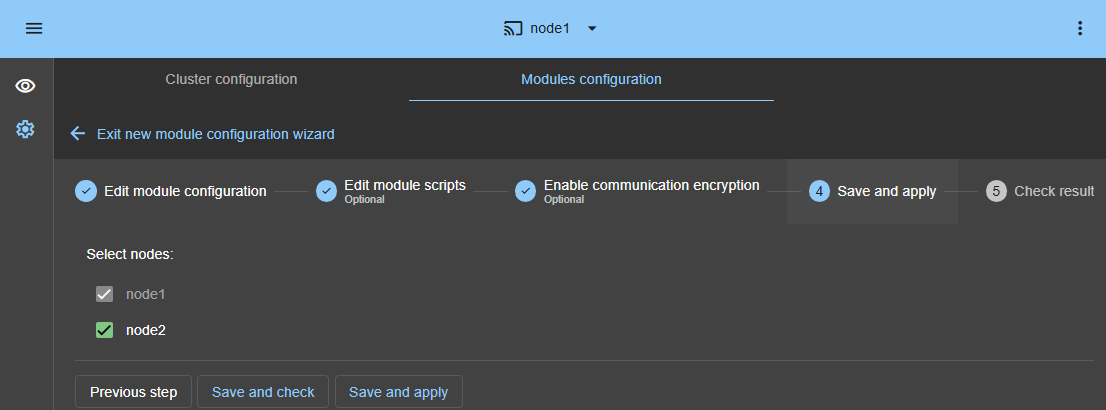
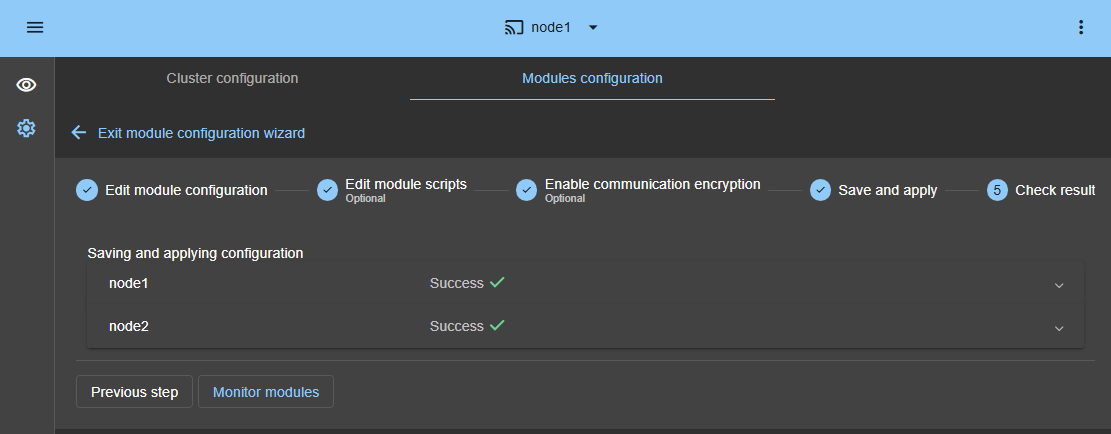
  • Web Console: Configure the Linux farm cluster.
  • Monitoring: Start monitoring and protecting the Linux application.

🔍 SafeKit High Availability Navigation Hub

Explore SafeKit: Features, technical videos, documentation, and free trial
Resource Type Description Direct Link
AI/LLM Resources Paste the https://safekit.eviden.com/llms.txt link (or its content) into your favorite AI chatbot for accurate SafeKit answers See HTML version of llms.txt for more information
Key Features Why Choose SafeKit for Simple and Cost-Effective High Availability? See Why Choose SafeKit for High Availability
Use Cases Explore How SafeKit Ensures the High Availability of Critical Infrastructure See All Use Cases (OEM Software, Edge Servers, SCADA, and more)
Deployment Model All-in-One SANless HA: Shared-Nothing Software Clustering See SafeKit All-in-One SANless HA
HA Strategies SafeKit: Infrastructure (VM) vs. Application-Level High Availability See SafeKit HA & Redundancy: VM vs. Application Level
Technical Specifications Technical Limitations for SafeKit Clustering See SafeKit High Availability Limitations
Proof of Concept SafeKit: High Availability Configuration & Failover Demos See SafeKit Failover Tutorials
Architecture How the SafeKit Mirror Cluster works (Real-Time Replication & Failover) See SafeKit Mirror Cluster: Real-Time Replication & Failover
Architecture How the SafeKit Farm Cluster works (Network Load Balancing & Failover) See SafeKit Farm Cluster: Network Load Balancing & Failover
Competitive Advantages Comparison: SafeKit vs. Traditional High Availability (HA) Clusters See SafeKit vs. Traditional HA Cluster Comparison
Technical Resources SafeKit High Availability: Documentation, Downloads & Trial See SafeKit HA Free Trial & Technical Documentation
Pre-configured Solutions SafeKit Application Module Library: Ready-to-Use HA Solutions See SafeKit High Availability Application Modules